

One Image Away From Your Most Viral Clip
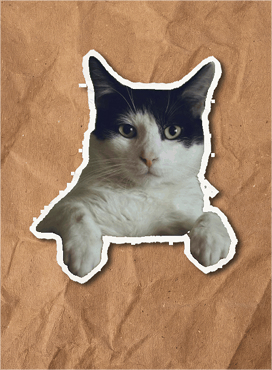
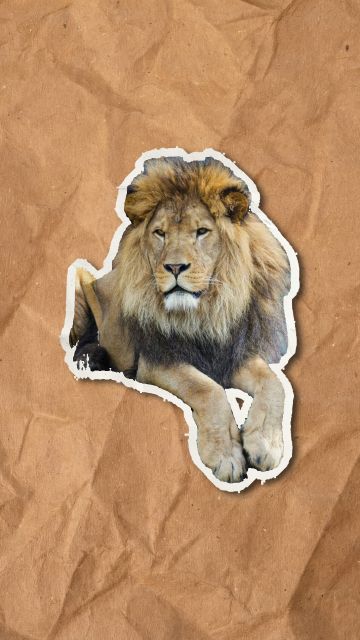
Upload your image, select the object, and get a stunning paper animation ready to drop into your next clip.






0+
Animations Created
0+
Creators
0+
Frames Generated
0+
Countries
See it in action
Four Styles. Infinite Possibilities.
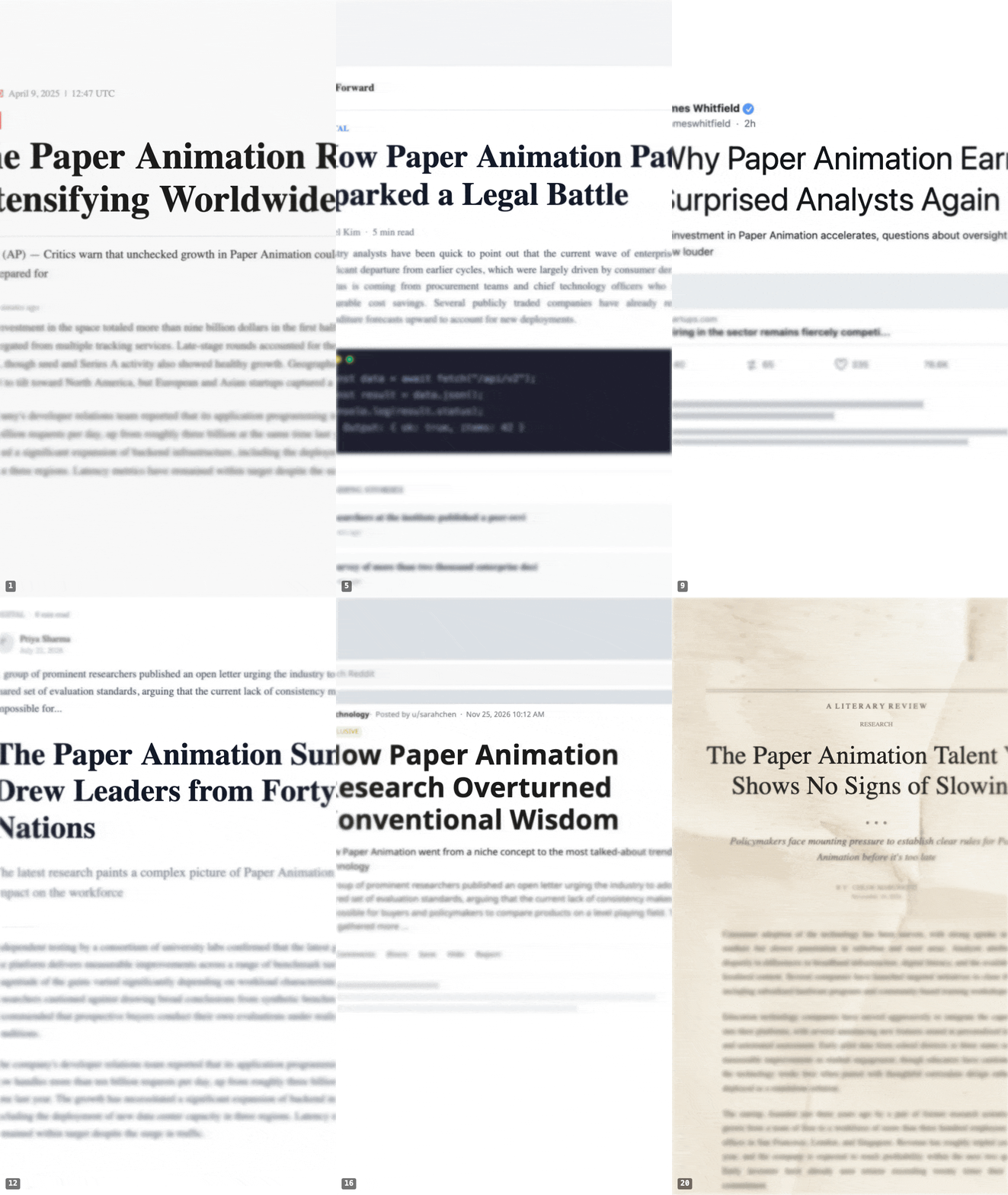
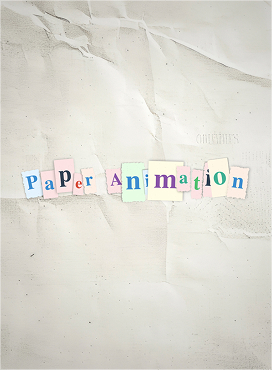
Paper folds, newspaper highlights, magazine letters, and press coverage — each with unique textures, layouts, and animations.
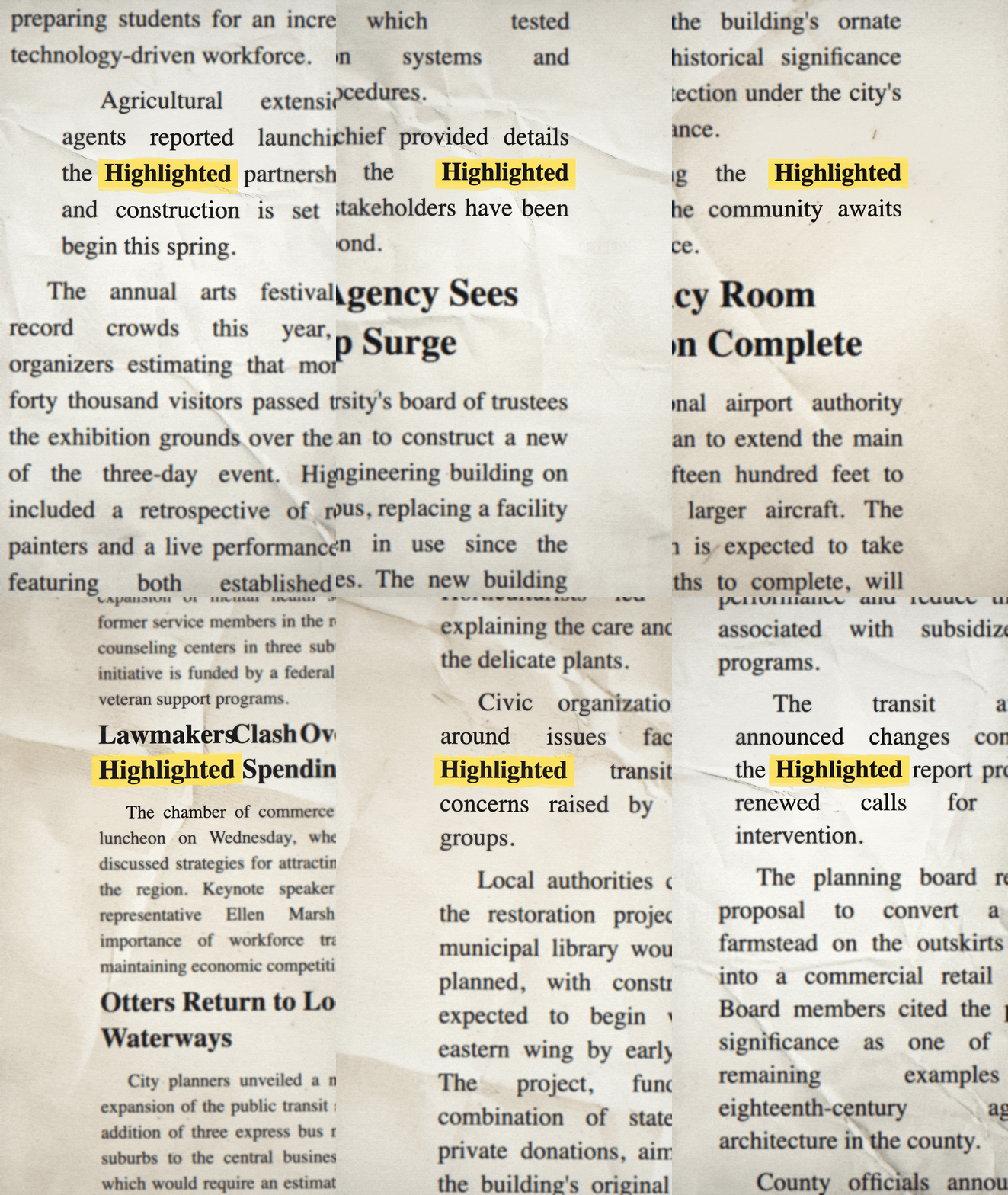
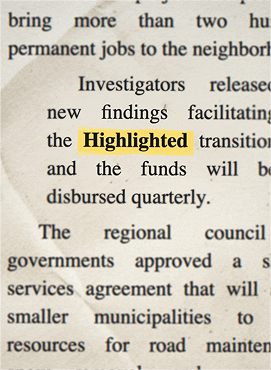
Animated Newspaper Clippings
Your keyword animates across 10+ unique newspaper frames — each with different fonts, justified columns, and authentic paper textures. Every frame feels like a real newspaper page.
- 10+ unique frames per generation
- 15 authentic newspaper typefaces
- Justified column layouts
- Realistic paper textures & creases
Built for people who make things
Made for Creators Like You
TikTok Creators
Trending paper-rip transitions and text reveals. Drop your highlighted keyword video into CapCut and watch your hook rate climb.
YouTube Editors
B-roll overlays, intro sequences, and chapter bumpers. The newspaper aesthetic adds production value without the production time.
Instagram & Reels
Story stickers, carousel openers, and Reel transitions. The animated highlight grabs thumbs mid-scroll.
Brand & Marketing
Product launches, campaign teasers, and event promos. Highlight your brand name, tagline, or sale keyword across animated clippings.
Podcasters & Clips
Turn episode topics into visual hooks. Animate your episode title or guest name for audiogram backgrounds and social clips.
Educators & Students
Make vocabulary, key terms, or thesis statements pop. Animated newspaper highlights bring life to presentations and study content.
Faster than you think
Three Steps. Thirty Seconds.
Choose Your Style
Pick from Paper Fold, Newspaper Highlight, Magazine Letters, or Press Coverage. Upload an image or type your word — frames generate instantly.
Customize Everything
Adjust size, distortion, paper texture, animation direction, and more. AI-powered background removal lets you isolate any object with one click.
Export & Post
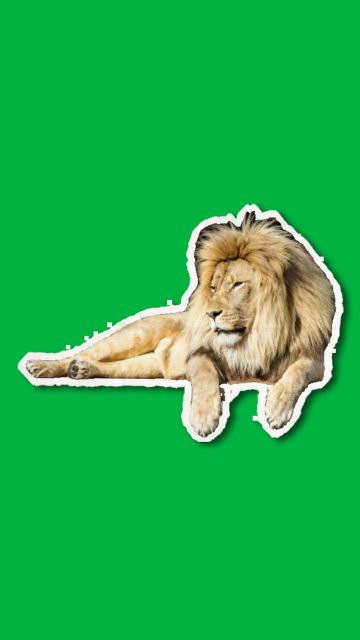
Export as MP4 video or GIF in one click. Green screen mode for seamless compositing. Drop it straight into your timeline — done in seconds.
No compromises
Every Tool You Need. Built Right In.
On the roadmap
We're Just Getting Started
Newspaper clippings are the beginning. Here's what's coming next.
Text Match Cut
Seamless text-to-text transitions. The editing trick that takes hours — done in seconds.
Custom Paper Uploads
Upload your own paper textures and backgrounds. Full creative control over the aesthetic.
Transparent PNG Export
Export individual frames as transparent PNGs for layering in Photoshop, Figma, or any design tool.
Batch Processing
Generate animations for multiple keywords at once. Perfect for campaigns with dozens of terms.
No surprises
Two plans. Both unlimited. Pick one.
Free forever with a small watermark. $3/month for unlimited clean exports, or $14.90 once for lifetime access. No credit counting, no hidden tiers.
Creator
Unlimited clean exports, billed monthly.
About the price of a coffee. Cancel in one click.
- Unlimited watermark-free exports
- All 4 animation styles
- Save unlimited projects
- Priority support
- Early access to new styles
- Cancel anytime
- 7-day money-back guarantee
Founder's Lifetime
One of the first 1,000. Numbered. Forever.
Pays for itself in under 5 months vs the monthly plan.
Founder numbers are assigned in purchase order and yours for life.
- Unlimited watermark-free exports
- All 4 animation styles
- Save unlimited projects
- ★Your Founder #N badge — numbered and reserved for life
- ★Every future animation style included, free, forever
- ★$14.90 locked in — never affected by future price increases
- ★Early access — new features 2 weeks before Creator subscribers
- ★Founder priority support — 24-hour reply guarantee
One-time payment · 7-day money-back · No subscription
🔒 Secure Stripe checkout · 7-day money-back guarantee · Cancel anytime
Just want to try it? The free plan lets you export unlimited watermarked GIFs in your browser. Start free →
7-day money-back guarantee on every paid plan. Full pricing details
Common questions
Frequently Asked Questions
Is it really free?
Yes. The free plan lets you generate frames, customize, and export as many GIFs and videos as you want — forever. Free exports include a small paperanimation.ai watermark in the bottom area. You can upgrade anytime to remove it.
What do paid plans give me?
Both paid plans give you UNLIMITED watermark-free exports. No credit counts, no per-export charges, no daily limits. Creator is $3/month (cancel anytime). Founder's Lifetime is $14.90 once — pay one time and never pay again.
What's a 'Founder' number, and why does it matter?
We're only minting 1,000 numbered Founder slots. When you buy Founder's Lifetime, you get the next number in sequence — they're assigned in purchase order — and that number is yours for life. It shows on your account badge and in any future community features. Once the 1,000 slots are gone, the numbered-founder window closes for good.
Why is Founder's Lifetime so cheap?
Two reasons: we want to spike adoption now while we're early, and we want a community of founding believers who carry the brand forward. At $14.90 it pays for itself in under 5 months versus the subscription — and unlike subscribers, you keep clean exports forever, even if our pricing goes up later.
What's actually included with Founder's Lifetime that Creator doesn't have?
Five things: (1) Your numbered Founder badge, reserved for life. (2) Every future animation style included free, forever — when we add new styles later, you get them automatically. (3) Your $14.90 price is locked in — future price increases don't affect you. (4) Early access to new features, typically 2 weeks before Creator subscribers get them. (5) Priority founder support with a 24-hour reply guarantee.
Can I cancel my subscription anytime?
Yes. Cancel in one click from your billing page. You keep access to clean exports through the end of your billing period. No lock-in, no cancellation fees, no "talk to support" friction.
Do I need to install anything?
No. Paper Animation runs entirely in your browser. No downloads, no plugins, no extensions. It works on Mac, Windows, Chromebook, iPhone, Android, and iPad.
What format do exports come in?
MP4 video is the default — high quality, small file size, works everywhere. You can also export as animated GIF if you need it for embedding or quick sharing. Both formats are 720×1280 (vertical, perfect for TikTok and Reels).
Can I use these commercially?
Yes — clean (watermark-free) exports from any paid plan are yours to use however you want, including YouTube videos, TikToks, Instagram Reels, client work, and brand campaigns. Free watermarked exports are great for personal posts but the watermark must remain visible.
What if I'm not happy with my purchase?
We offer a 7-day money-back guarantee on every purchase — Creator subscriptions and Lifetime. Email support@paperanimation.ai within 7 days and we'll refund you in full, no questions asked.
What happens if I bought a credit pack before May 2026?
Your existing credit balance is still on your account and still works — those credits stay valid for clean exports and never expire. We just stopped selling new packs; the only ways to add to your account now are Creator ($3/month) and Lifetime ($14.90).
Join 18,000+ creators
Your Next Viral Clip Starts Here
Upload an image or type a word. Get stunning paper animations. Export as video or GIF. Free to start, takes 30 seconds.