Paper Animation: How Creators Are Using a 30-Second Trick to Grow Real Audiences
There’s a specific kind of video that stops you mid-scroll. Not because it’s loud or flashy. Because it looks like it took effort.
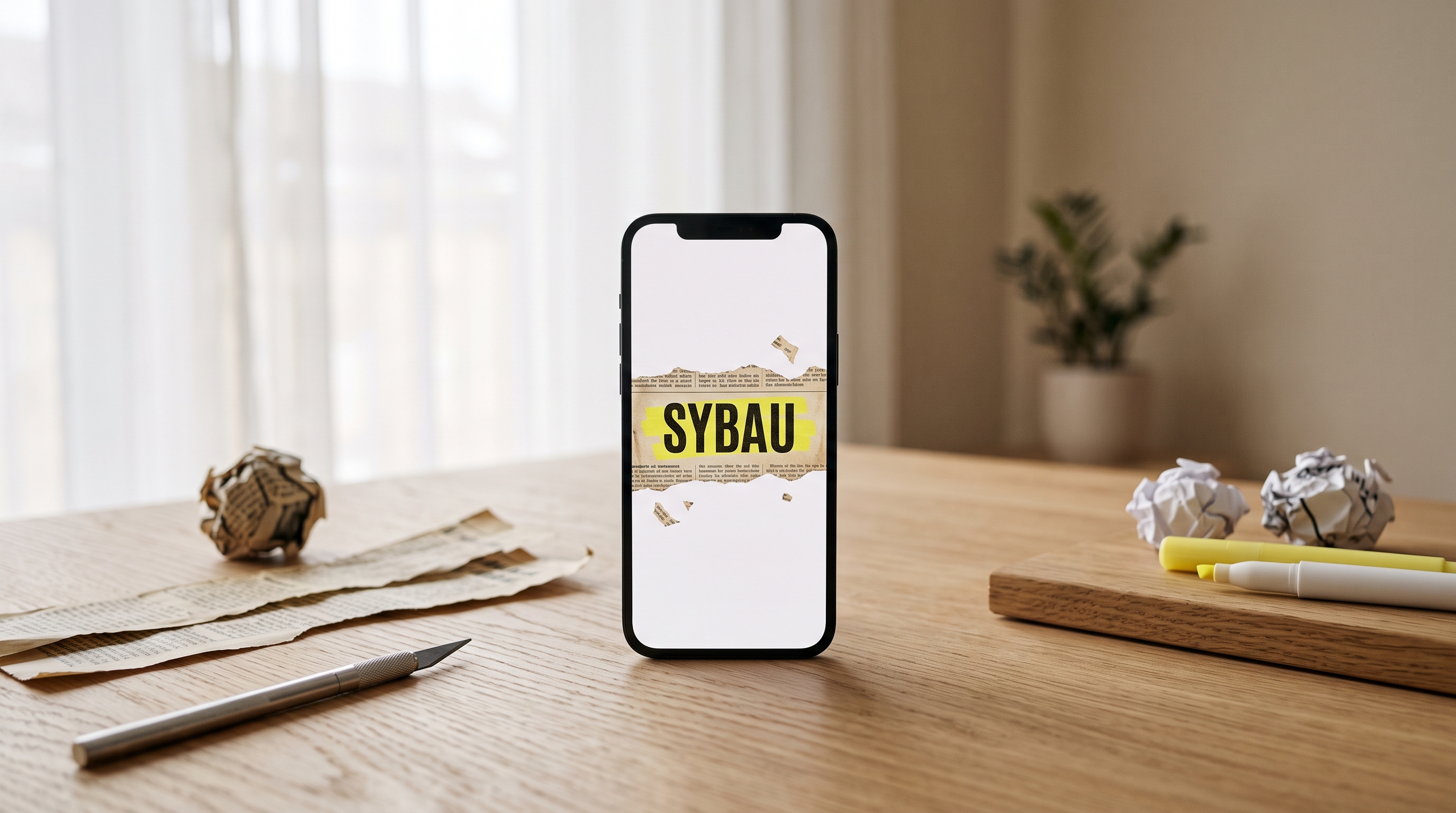
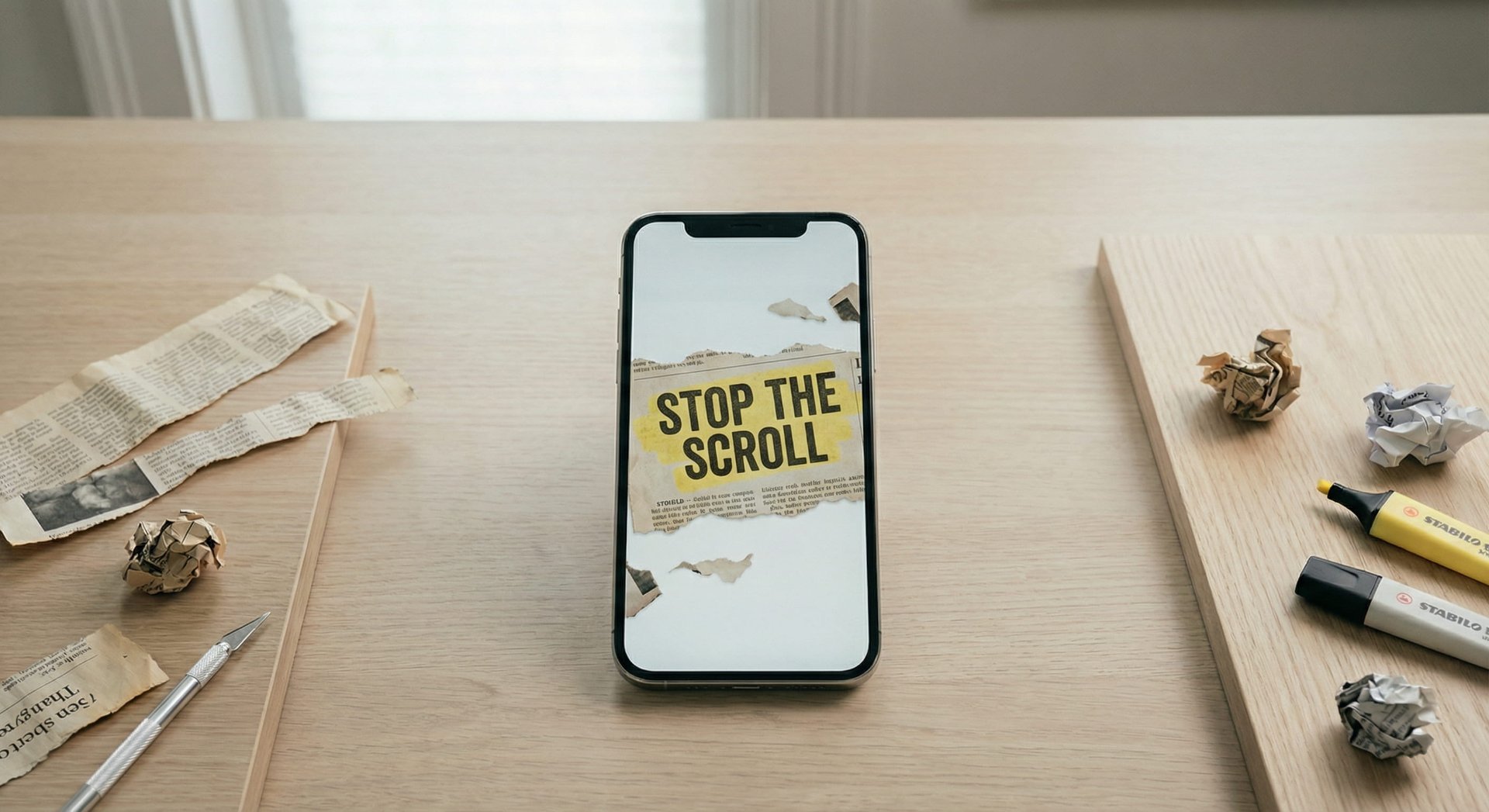
You’ve probably seen it: a word appears across a realistic newspaper clipping, highlighted in yellow, with the paper folding open like someone just ripped it from a printing press. Or a product image unfolds from a torn piece of paper, edges frayed, shadows crisp. It feels cinematic. It feels expensive.
And then you find out the creator made it in 30 seconds.
That’s paper animation. And right now, it’s one of the most effective audience-growth tricks on the internet that almost nobody is talking about as a strategy.
The Psychology Behind the Paper Rip
Before we get into tactics, it’s worth understanding why this particular visual stops people.
Social media feeds are a blur of clean gradients, smooth transitions, and polished motion graphics. Everything looks “designed.” Paper animation breaks that pattern. It introduces texture — real paper grain, creases, torn edges, ink that bleeds slightly. Your brain registers it as something physical in a digital space, and that contrast is what makes your thumb pause.
There’s also something deeply familiar about newspaper clippings. We associate them with importance — headlines, announcements, things that matter. When your brand name or keyword shows up highlighted across a newspaper page, it borrows that authority subconsciously. It’s not a logo on a gradient background. It’s a headline.
That shift in framing changes how people perceive what they’re seeing. And perception drives engagement.
How Creators Are Actually Using Paper Animation
I spent a few weeks paying attention to how different types of creators are weaving paper animation into their content. The use cases are more varied than you’d expect.
The First-Two-Seconds Hook
The most common play is the simplest one: using a paper animation as the opening frame of a short-form video. TikTok and Instagram Reels live and die by the first two seconds. If you can’t stop the scroll there, nothing else matters.
Creators are typing their hook line — the core topic, the controversial claim, the promise of the video — and generating it as an animated newspaper highlight. That clip becomes the first thing viewers see. The paper texture interrupts the visual monotony of the feed, the animation draws the eye, and the highlighted word tells the viewer exactly what this video is about.
One TikTok creator I saw described it this way: “I used to spend 20 minutes in After Effects building newspaper overlays. Now I type a word into Paper Animation, export the video, and drop it into CapCut. My retention rate in the first three seconds went up noticeably, and I’m not spending half my editing time on it.”
B-Roll That Doesn’t Look Like Stock Footage
YouTube editors, especially in the essay and commentary space, have a constant hunger for interesting B-roll. You can only show so many stock clips of people typing before it starts to feel like a student project.
Paper animation fills a gap here. When a video essayist mentions a concept, a brand name, or a historical event, they can overlay a newspaper clipping animation that makes the mention feel more substantial. It’s a visual beat — a moment for the viewer’s brain to catch up with the narration. And because each generation looks different (different typefaces, different paper textures, different layout), it doesn’t feel repetitive the way a single template would.
The green screen export feature is what makes this practical. You export the animation with a transparent or green background, drop it into Premiere or DaVinci, and composite it over your footage. What would normally require After Effects templates, manual keyframing, and texture layering becomes a 30-second side task.
Product Launches That Feel Like Events
This one caught me off guard. Several small business owners are using the “Press Coverage” style — which makes your keyword look like it’s been featured in different publications — to create buzz for product drops.
Think about it: when a product gets featured in a magazine or news outlet, there’s a specific visual language that comes with it. The paper animation effect lets you borrow that language without the actual press feature. It’s not deceptive — nobody thinks your candle brand was actually covered by the New York Times — but the aesthetic creates a sense of significance. Your product launch feels bigger than an Instagram carousel.
One e-commerce creator I follow used the paper fold animation to reveal her new product line, image by image, with each product unfolding from a torn piece of paper. The video got 3x her normal engagement. Not because the products were different, but because the presentation was.
Podcasters Turning Audio Into Visual Hooks
Podcasters have a distribution problem: their content is audio, but the platforms that drive discovery are visual. Audiograms help, but they all look the same — a waveform bouncing over a static background.
Some podcast creators are now using paper animation to generate episode-title clips. The episode name or guest’s name appears as an animated newspaper highlight, layered behind the audio clip. It gives the social post an editorial feel, like the episode is newsworthy. And for podcast clips being shared on TikTok or Reels, that visual quality matters more than most podcasters realize.
One podcast team reported that their newspaper-style clips became their highest-performing social format. Not their best quotes. Not their most controversial takes. The format itself drove the engagement.
Why Paper Animation Works Where Other Effects Don’t
I want to be clear about something: TikTok and Reels are full of visual effects. Filters, transitions, AI-generated weirdness — there’s no shortage. So why is this particular effect gaining traction as an audience growth tool?
A few reasons:
It’s not a filter. Filters modify your existing footage. Paper animation is additive — it creates a standalone visual asset that you layer into your edit. That means it doesn’t degrade your footage quality or lock you into a specific platform’s toolset.
It’s style-neutral. A glitch effect screams “tech bro.” A watercolor filter says “artsy.” Newspaper clippings and paper textures are aesthetically agnostic. They work in beauty content, finance education, music videos, fitness, cooking, you name it. The paper effect enhances whatever style you already have rather than imposing a new one.
It communicates effort without requiring it. This is the big one. Viewers associate paper animation with After Effects-level editing. When they see it in your content, they subconsciously upgrade their perception of your production quality. But instead of spending an hour in a motion graphics tool, you’re spending 30 seconds in a browser.
That gap between perceived effort and actual effort is where the growth hack lives.
The Tool Making This Accessible
The reason paper animation is spreading right now, rather than remaining a niche After Effects technique, is that the tools have caught up.
Paper Animation (paperanimation.ai) is a browser-based tool that lets you generate paper fold animations, newspaper highlight clips, magazine letter cutouts, and press coverage-style frames. You type a word, upload an image, adjust a few sliders, and export a video. The whole process takes less time than writing a caption.
Here’s what actually matters about the tool, beyond the marketing:
The textures are realistic. This is where most “newspaper effect” tools fall apart. They give you something that looks like a Canva template with a sepia filter. Paper Animation generates frames with actual paper grain, varied typefaces (15 different newspaper fonts), justified column layouts, and distortion you can control. Side by side with a real newspaper scan, it holds up.
Each generation is unique. When you type a word, you get 10+ frames, each with a different layout and font combination. That means two creators using the same keyword will produce different-looking content. You won’t run into the “everyone’s using the same template” problem that killed previous visual trends.
It runs in the browser. No download, no plugins, no GPU requirements. This matters because it means your workflow doesn’t change. You’re not learning new software. You’re adding a 30-second step to whatever editing process you already use.
The AI background removal is built in. For the paper fold effect (where you upload an image and it unfolds from torn paper), the tool automatically isolates your subject. You don’t need to manually mask in Photoshop first. One click, clean edges, done.
Four Styles, Four Different Use Cases
The tool offers four distinct animation styles, and each one serves a different content need:
Paper Fold: Upload any image, and the tool creates a cinematic paper fold-out animation with torn edges and realistic shadows. Best for product reveals, thumbnail assets, and intro sequences.
Newspaper Highlight: Type a word, and it appears highlighted across multiple newspaper clippings with authentic layouts. Best for hook text, topic reveals, and B-roll transitions.
Magazine Letters: Think ransom-note aesthetic — individual letters cut from different magazines, assembled into your word. Best for edgy brand content, music videos, and creative intros.
Press Coverage: Your keyword appears as if featured across different publications. Best for product launches, PR content, brand announcements, and event promos.
How to Actually Use This for Growth (Not Just Views)
Here’s where I want to get specific, because views and growth are not the same thing. Plenty of creators go viral once and gain zero followers from it. The paper animation effect is a tool — how you use it determines whether it drives vanity metrics or real audience growth.
Use It Consistently, Not Once
One viral video is noise. A recognizable visual format is a brand. The creators who are growing with paper animation aren’t using it as a one-off gimmick — they’re building it into their recurring format. Every video starts with a newspaper highlight. Every product launch uses a paper fold reveal. Consistency is what turns a visual trick into a brand signature.
Pair the Hook With a Payoff
A paper animation hook will stop the scroll. But if the rest of your video doesn’t deliver, you get a view without a follow. The strongest pattern I’ve seen is: newspaper hook (first 2 seconds) → valuable content (next 30-60 seconds) → soft call to action (“follow for more of these”). The effect earns the initial attention. Your content earns the follow.
Don’t Sleep on the Paper Fold for Carousels
Instagram carousels are still one of the best formats for reach. Using a paper fold animation as your carousel opener — exporting a frame as a GIF or short clip for the first slide — gives you a motion-based hook in a format that’s normally static. That motion in a sea of still images is a genuine competitive advantage.
Think Beyond Social
Paper animation isn’t limited to short-form social content. Educators are using it to make key terms pop in lecture recordings. Course creators are adding newspaper highlights to their module intros. Email marketers are embedding paper fold GIFs as hero images. The newspaper aesthetic carries weight in any context where you need to say “this matters” without literally writing those words.
The Real Takeaway
Every so often, a creative technique goes from “pro editors only” to “anyone can do this.” Motion graphics used to require After Effects. Color grading used to require DaVinci. Paper animation effects used to require both, plus a folder full of texture packs and an afternoon of keyframing.
Now it takes 30 seconds in a browser tab.
The creators who are growing right now aren’t necessarily making better content. They’re packaging it better. They’re using visual techniques that signal quality and effort, and they’re doing it efficiently enough to stay consistent.
Paper animation is one of those techniques. It’s not the whole strategy. It’s a tool that amplifies whatever strategy you already have. But right now, while the effect still feels fresh and the vast majority of creators haven’t caught on, there’s an unusually wide window to make it yours.
Paper Animation is free to try — no credit card, runs in your browser. If you’ve been looking for a way to elevate your content without overhauling your entire workflow, this might be the smallest change that makes the biggest difference.